

Value Observer is an editor-friendly implementation of the Observer pattern. Allows you to easily write quality code with weak dependencies, and improve the performance of your application.

Tree Tool
Full control over every tree on your terrains

Worried about the quality of the asset or are not sure that it is suitable for your project:
After the purchase, you have two weeks to test the asset.
If the asset is not suitable for your project, has any problems or you simply do not like it, contact us and we will make a refund.
After the purchase, you have two weeks to test the asset.
If the asset is not suitable for your project, has any problems or you simply do not like it, contact us and we will make a refund.
Gallery


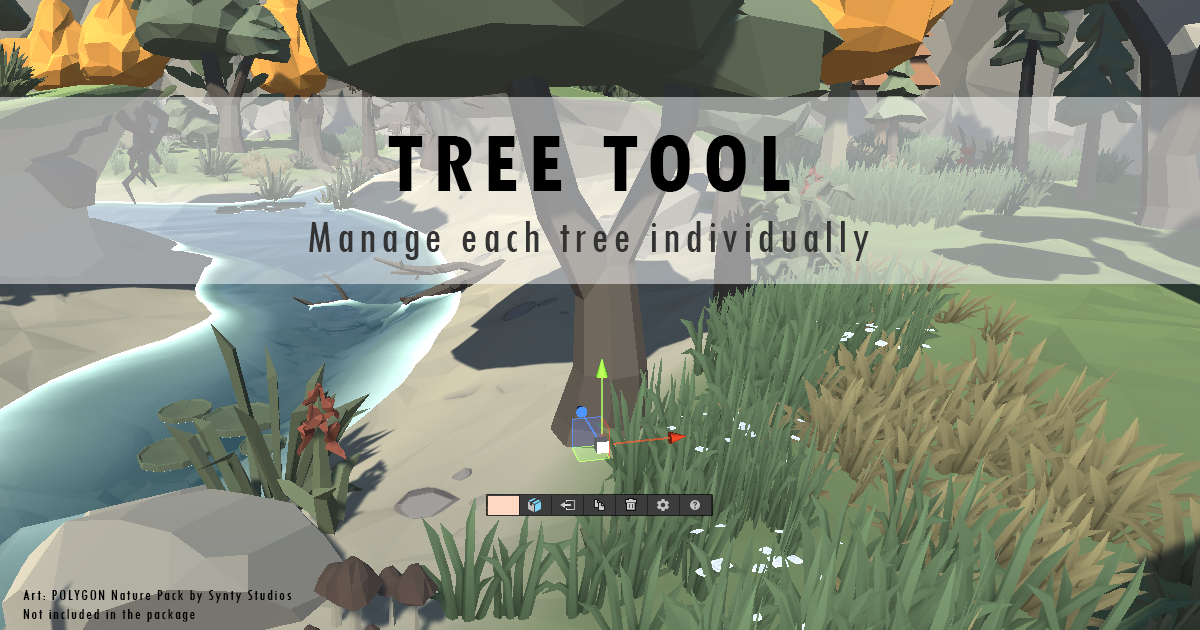
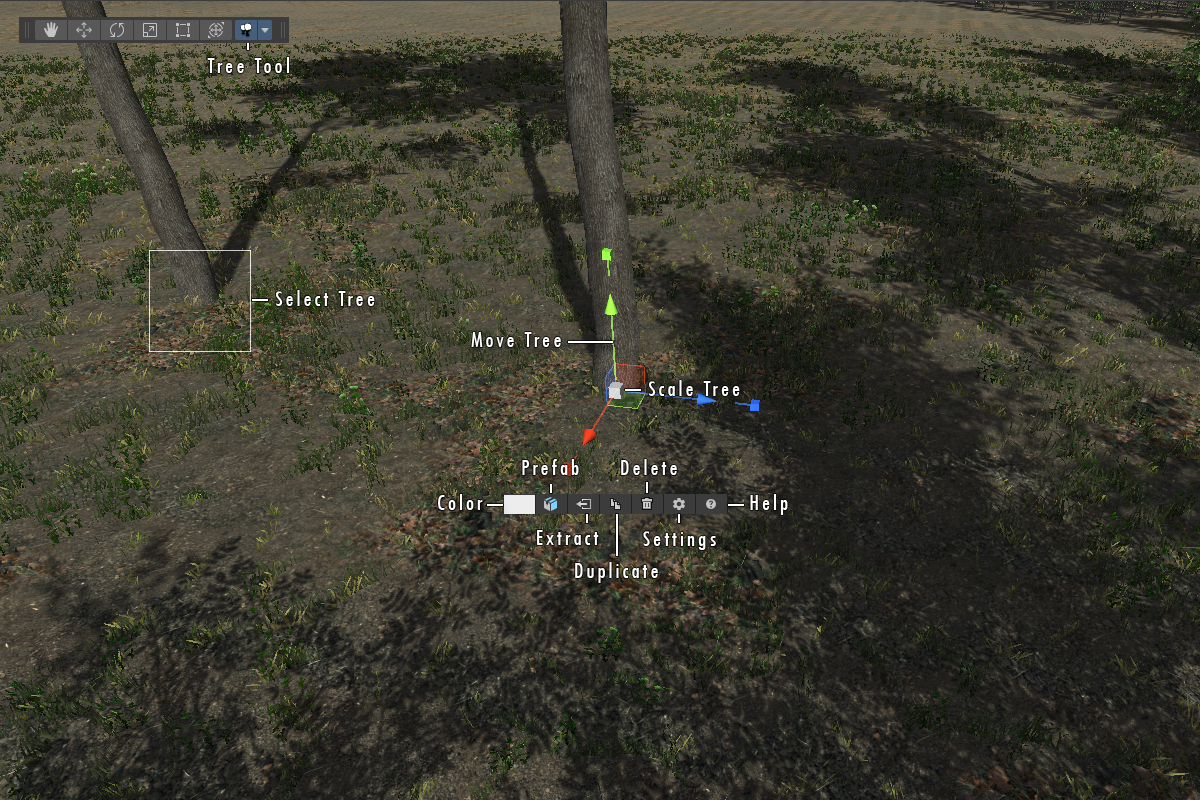
Tree Tool gives you full control over every tree on your terrains.
You can move, scale, rotate, change color and prefab, extract or remove trees in just seconds.
The tool is very easy to use and you will be able to use it even if today is your first day of using Unity.
It is perfectly optimized and will not slow down the scene even if you have more than 100k trees on terrain.
Tree Tool is also fully compatible with trees created by Unity Terrain Editor or third party assets.
If you want to achieve perfect trees in your project, Tree Tool will be your best and indispensable friend.