



Tree Tool gives you full control over every tree on your terrains.
You can move, scale, rotate, change color and prefab, extract or remove trees in just seconds.
If you want to achieve perfect trees in your project, Tree Tool will be your best and indispensable friend.
You can move, scale, rotate, change color and prefab, extract or remove trees in just seconds.
If you want to achieve perfect trees in your project, Tree Tool will be your best and indispensable friend.
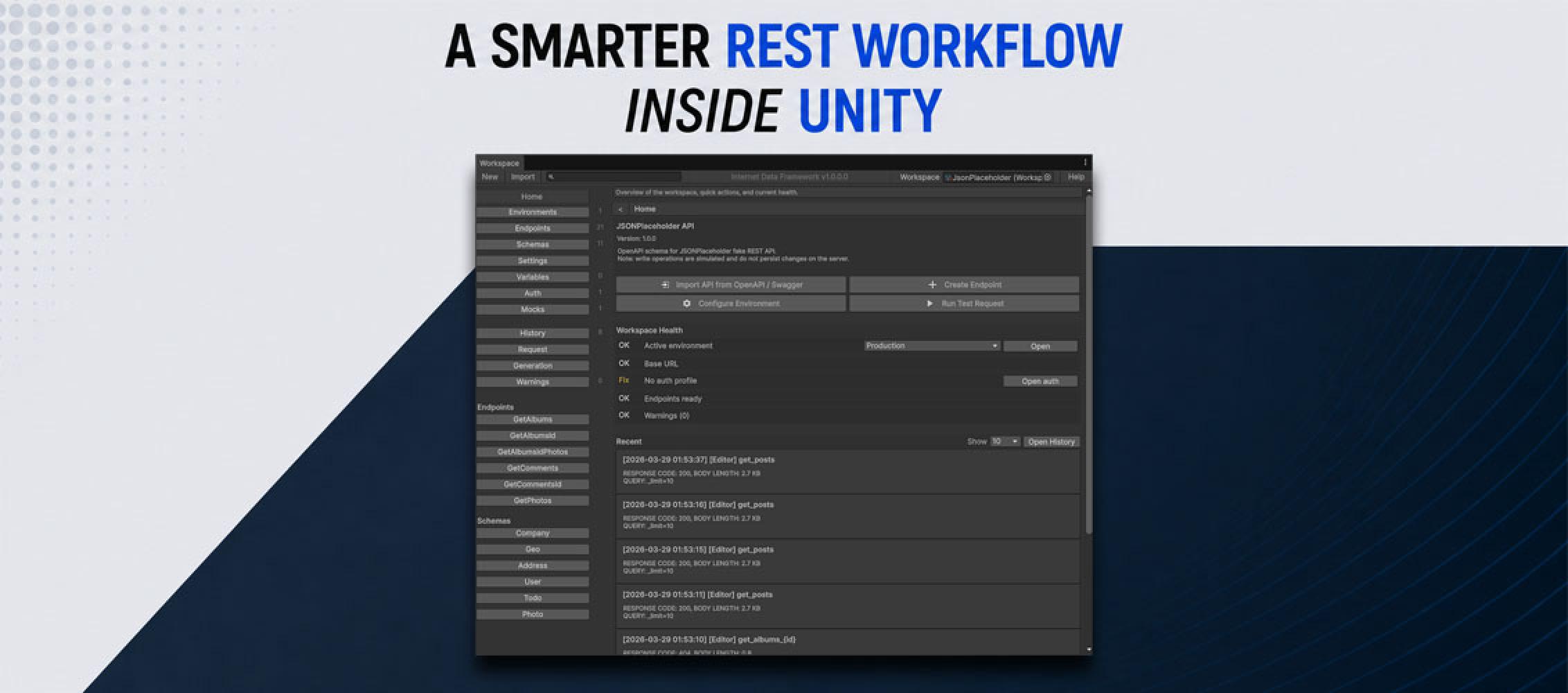
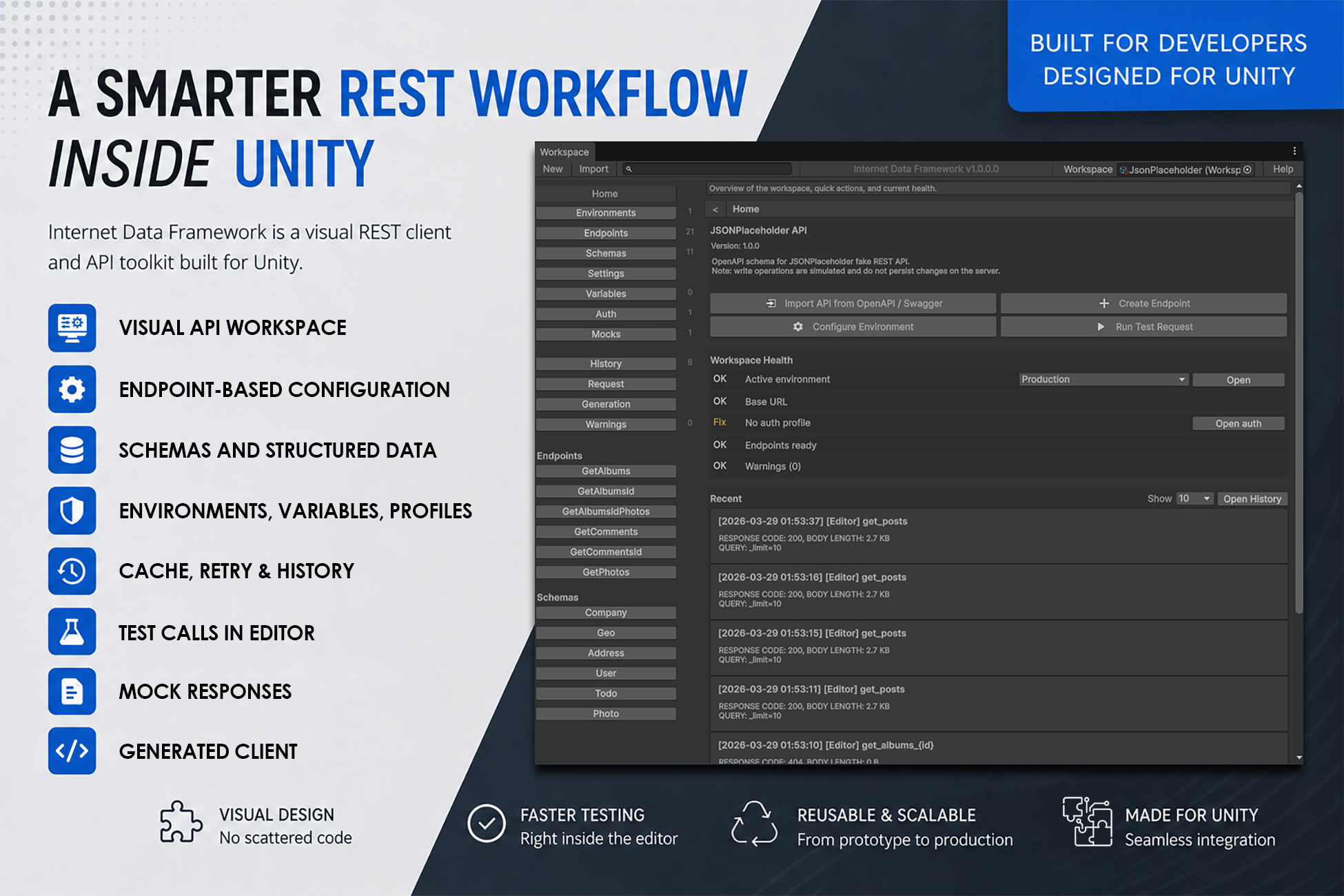
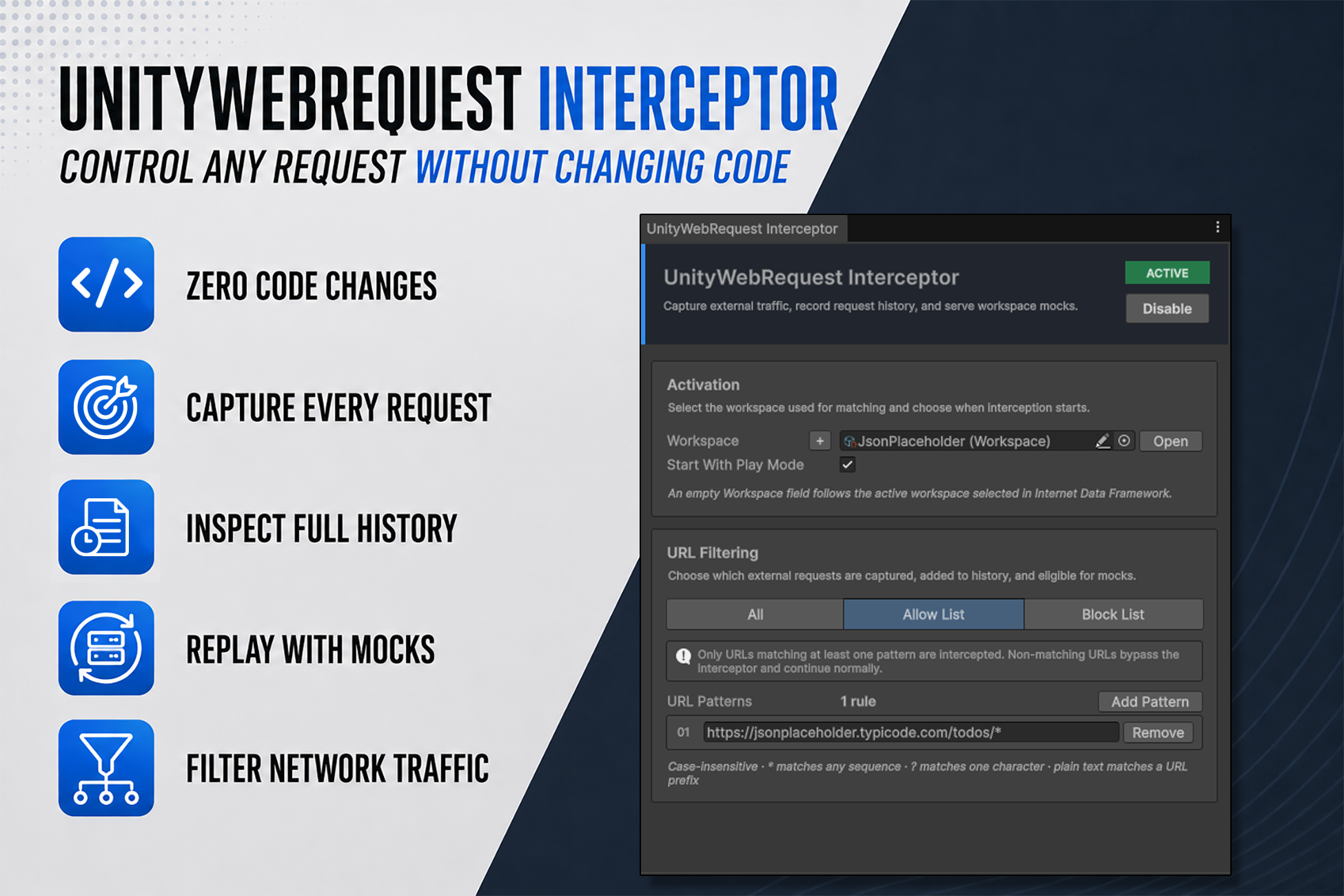
Internet Data Framework brings REST API setup and testing into the Unity Editor.
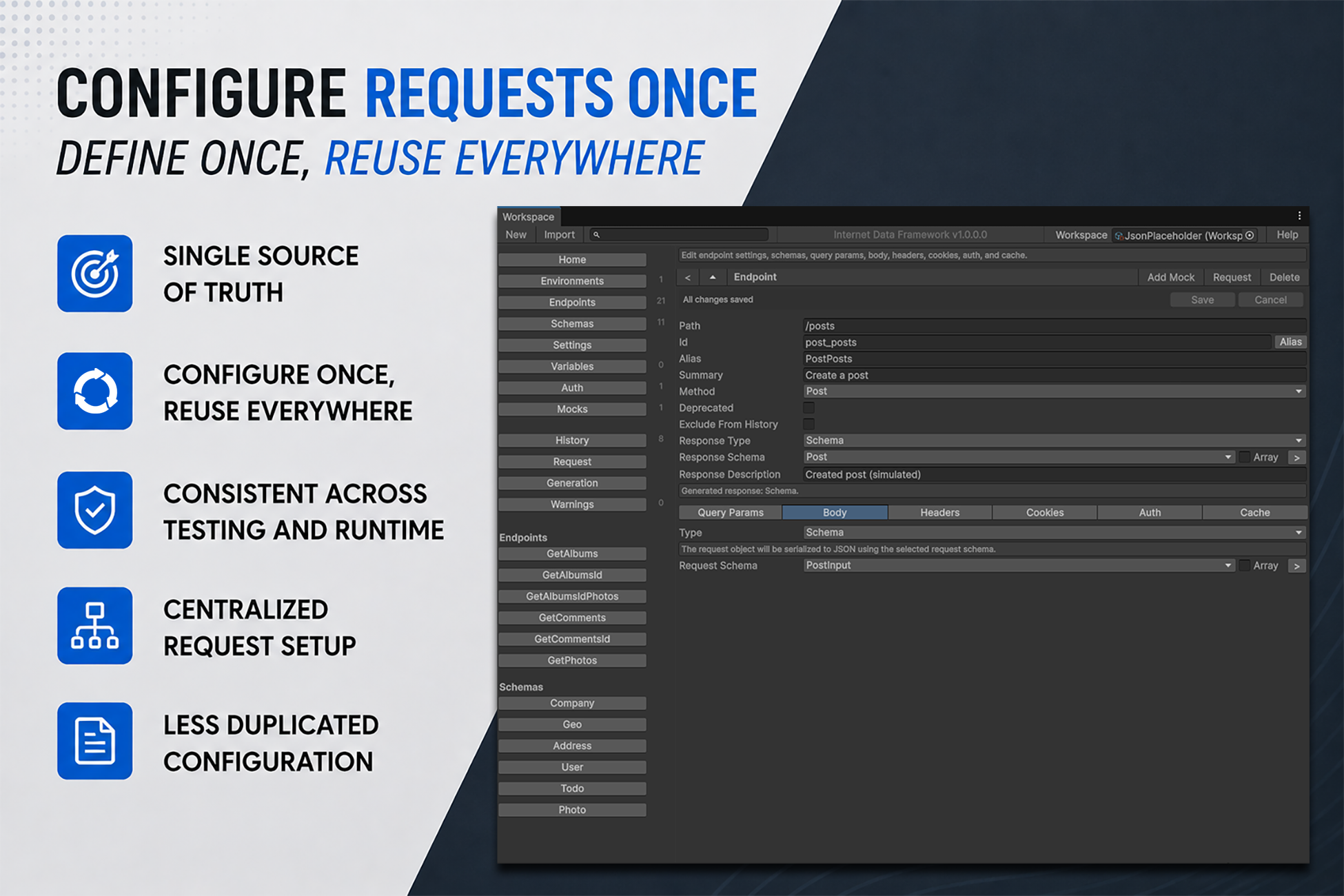
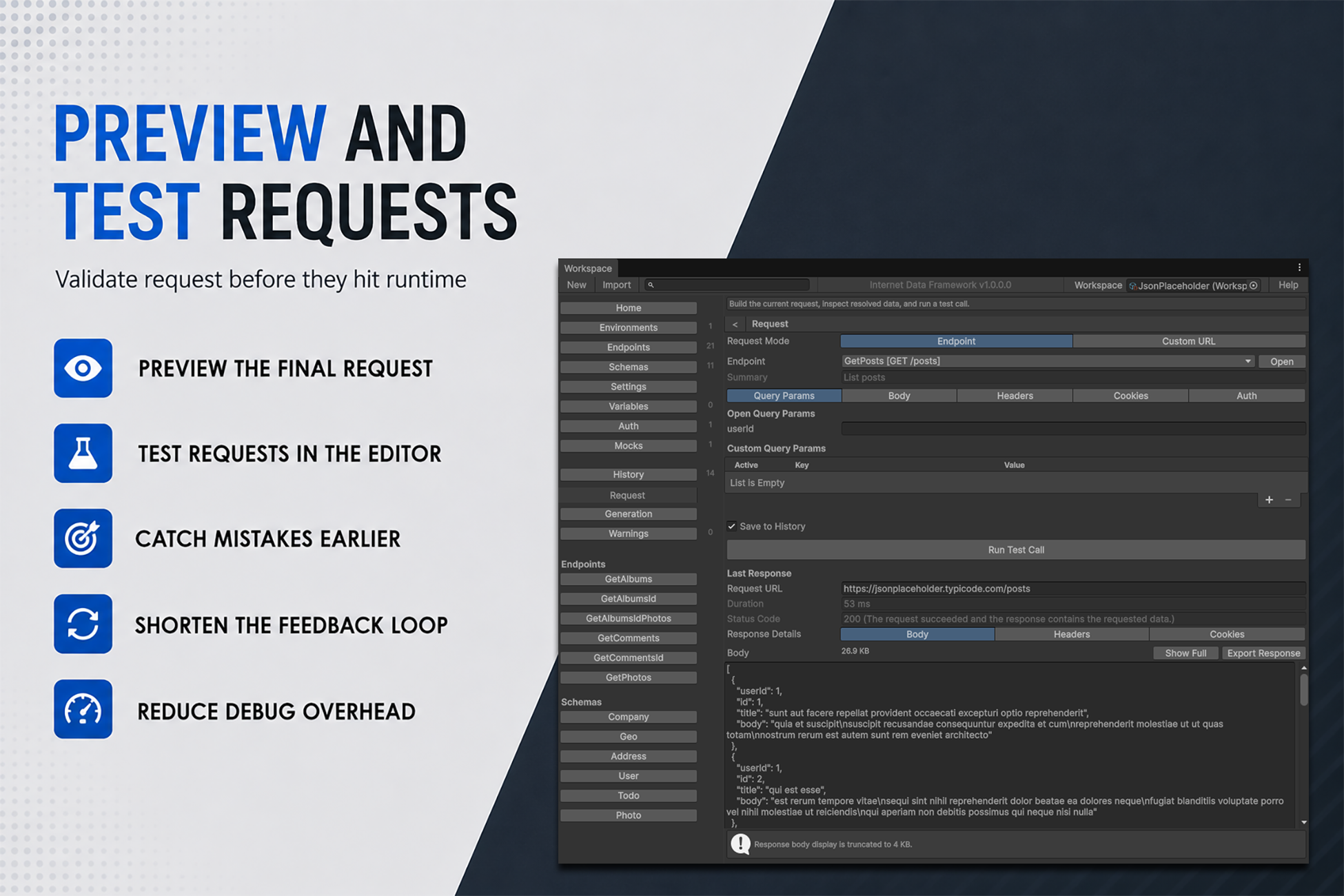
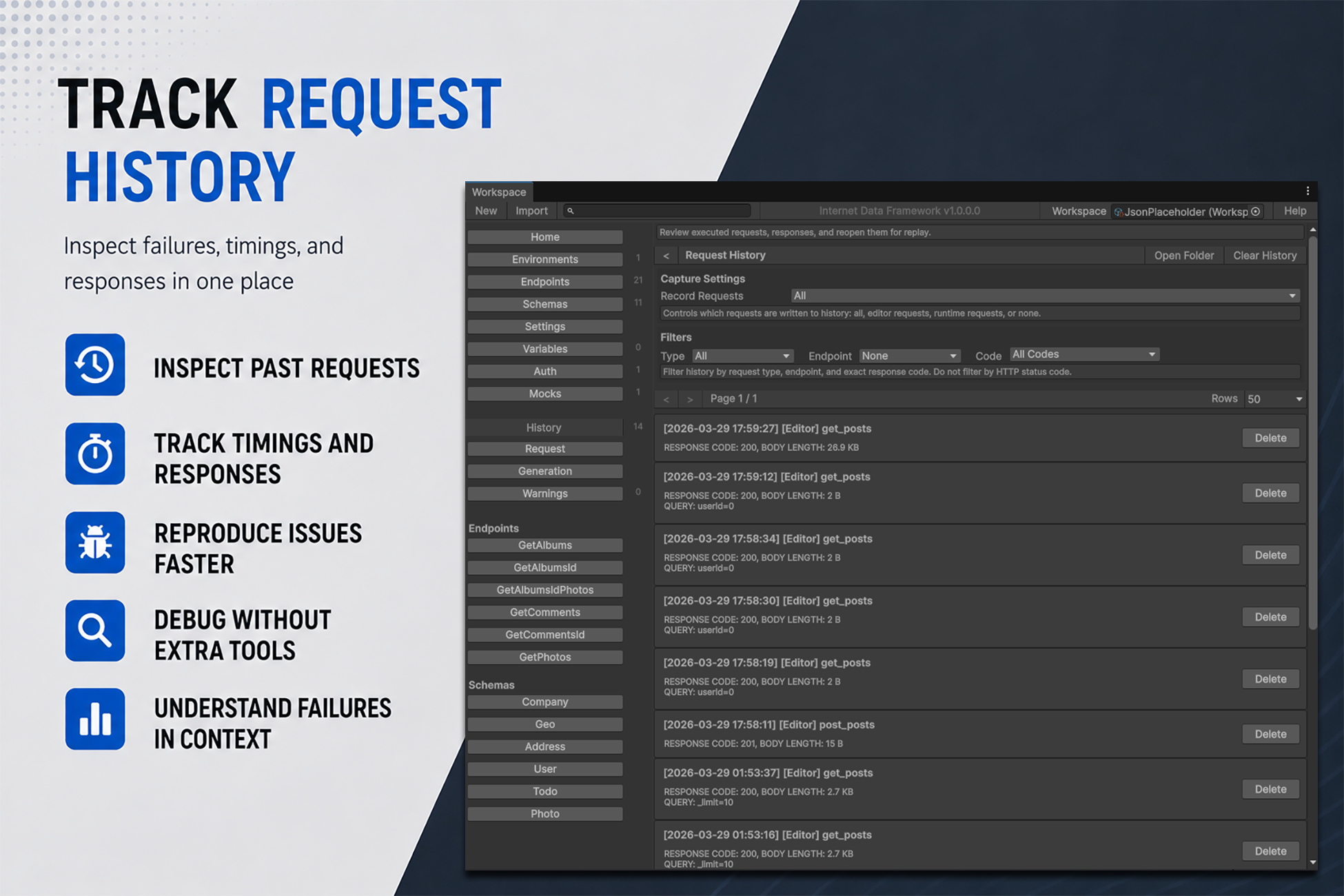
Define endpoints, headers, authentication, and environments in a Workspace instead of spreading them across project scripts. Preview and run requests in the editor, inspect responses, then use the same configuration at runtime.
Articles
Key Features
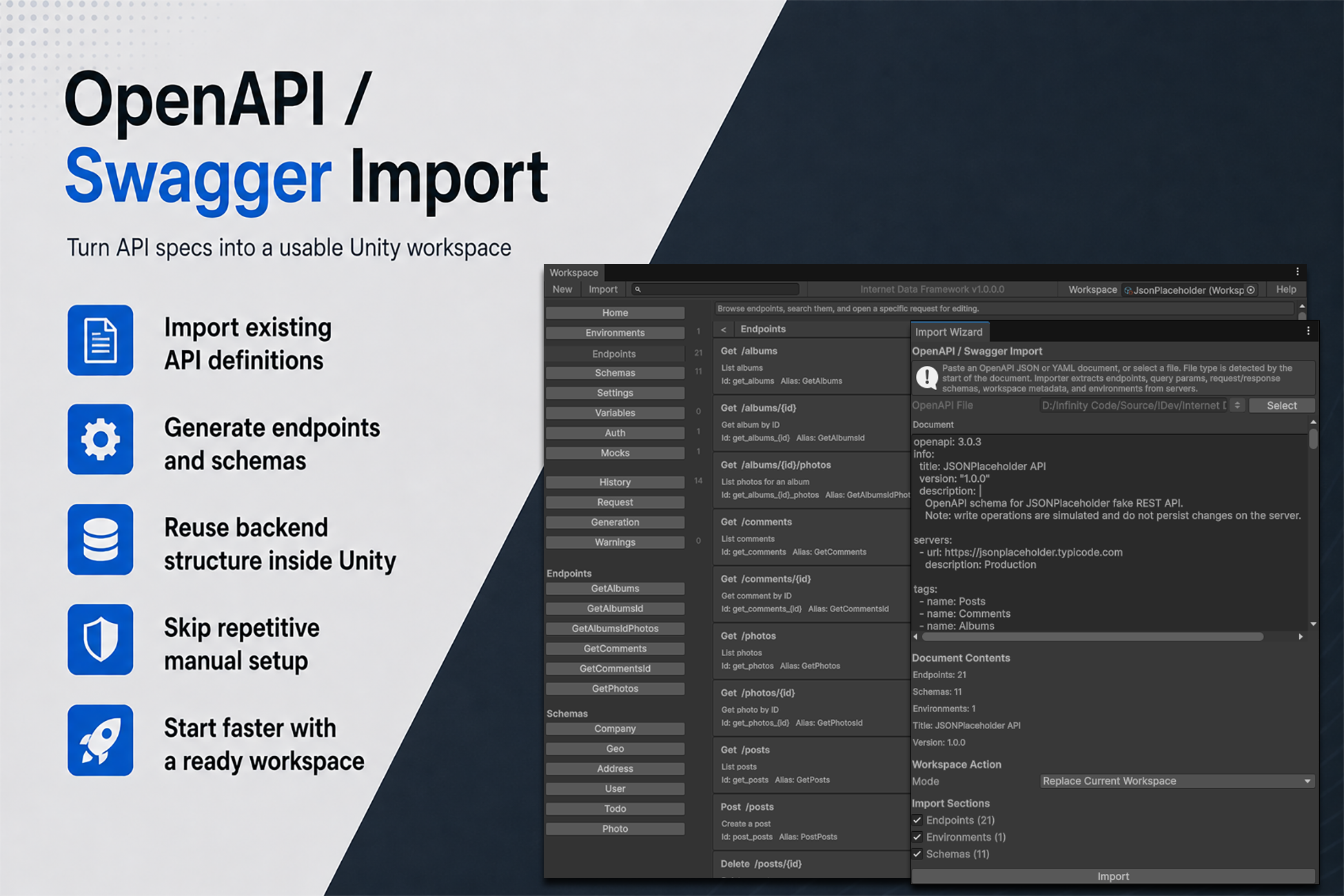
OpenAPI and Workspace Import
Import an OpenAPI or Swagger document to create endpoints, schemas, and server settings without entering them by hand.
Workspaces can also be exported to IDF JSON for backup or sharing and imported into a new or existing Workspace.
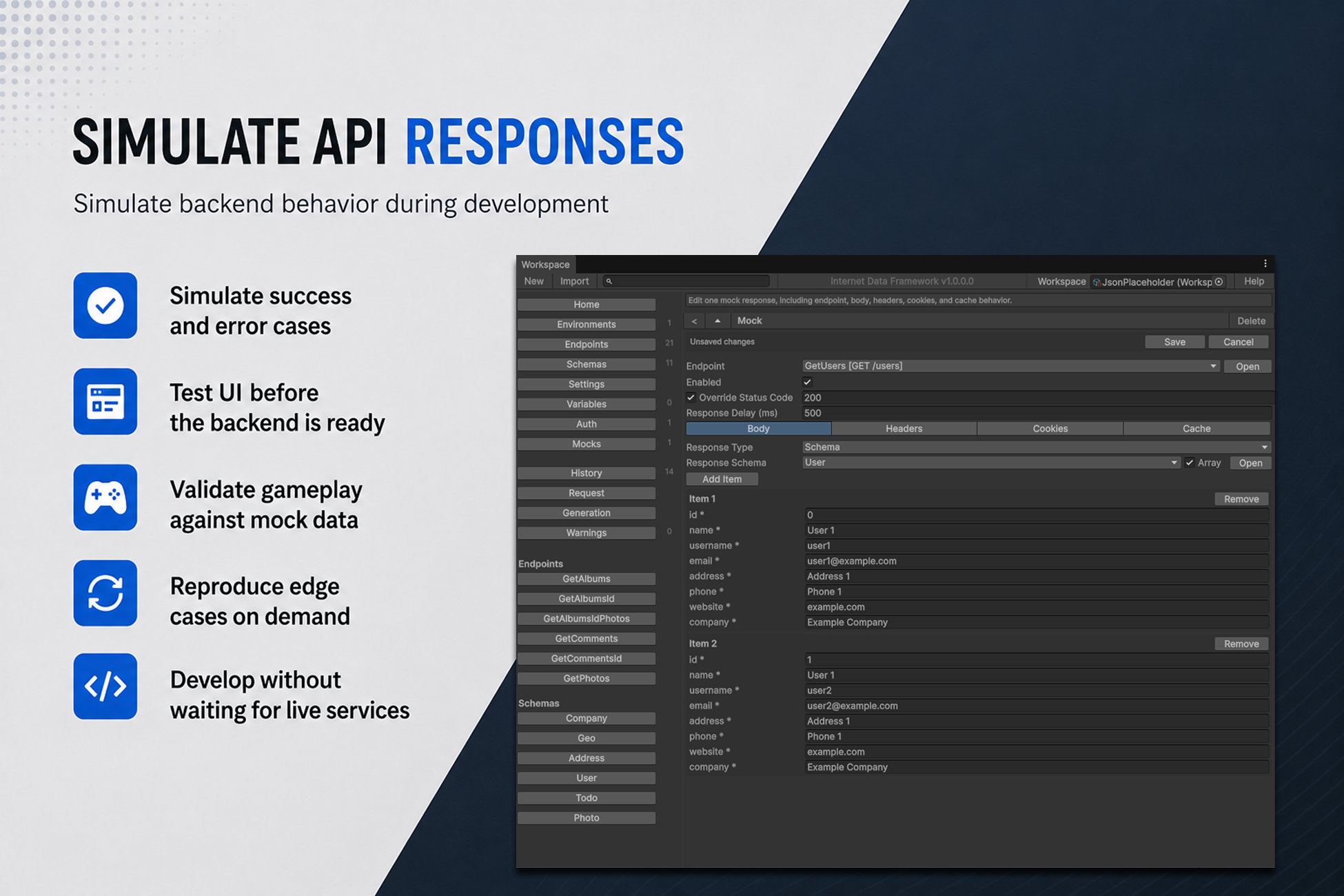
Mocks and Testing
Use local mock responses when the backend is unavailable or still in development. Set the response body, status code, and delay to test loading states, errors, and unexpected data without temporary debug code.
Runtime Use
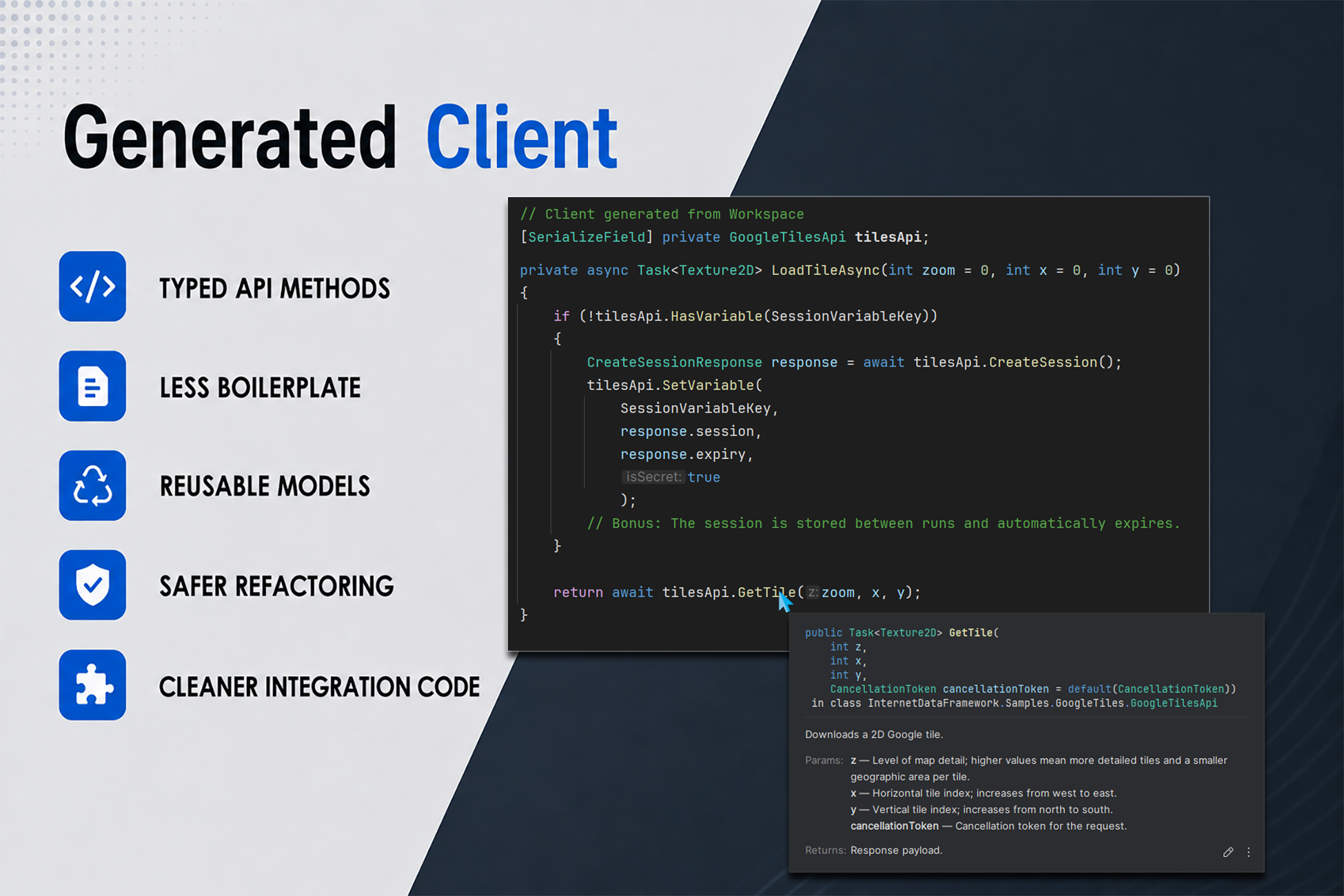
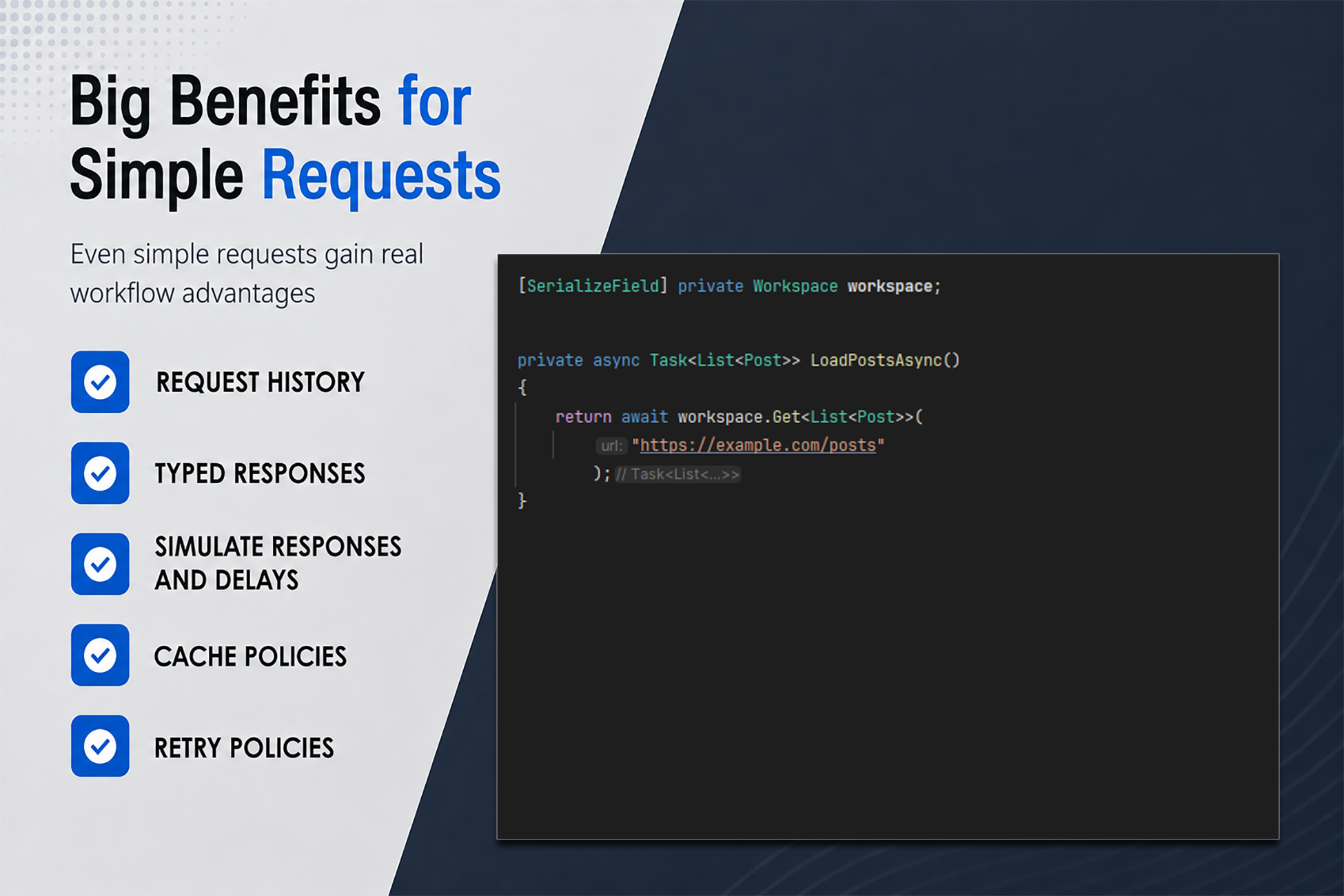
Call configured endpoints through Workspace and WorkspaceClient, or generate a facade with predefined operations. Environments and authentication settings stay in the Workspace, so switching servers does not require changes throughout your codebase.
Good Fit For