
Monetti v1.6

Release

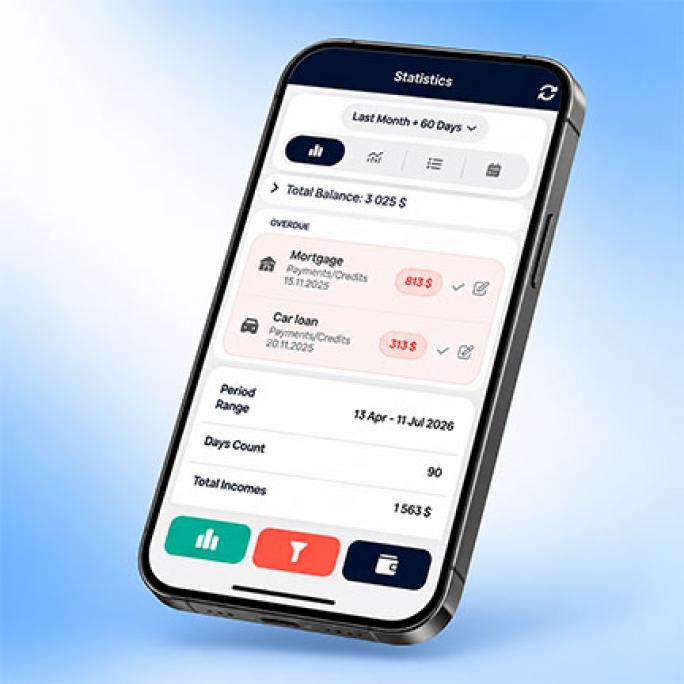
Monetti v1.6 makes it easier to manage upcoming payments and use a consistent date format across the app. Choose a format in Settings, where each option includes an example. When editing a transaction, you can move its date backward or forward.

You can move a scheduled payment to its next due date directly from the home screen after confirming the change. You can also add a transaction for an upcoming payment directly in the payment editor. The Android app is smaller thanks to code and resource optimization.

Changelog

  • Fixed the display of the selected currency after launching the app.
  • Prevented invalid payment amounts and recurrence intervals.
  • Formatted transaction and payment dates according to the selected language.
  • Fixed light-colored tag fields and a chart in dark mode.
  • Made the indicators for entered PIN digits easier to see.
  • Added hints for upcoming payments and statistics recalculation.
  • Added a way to move a scheduled payment to its next due date from the home screen, with confirmation.
  • Standardized dates across the app to the year.month.day format.
  • Added controls to move the date backward or forward when editing a transaction.
  • Replaced the reschedule control with a compact icon and placed the action before Cancel.
  • Added a setting to choose one date format across the app.
  • Set the initial date format based on the welcome screen language and preserved the choice afterward.
  • Added clearer date format names and examples in Settings.
  • Moved the action for adding a transaction from an upcoming payment directly into the payment editor, removing the intermediate form.
  • Moved Add transaction above Save and clarified the label for recurring payments.
  • Fixed the display of the selected currency when comparing periods.
  • Reduced the Android app size by optimizing code and resources.
  • Limited Pro activation through RuStore to RuStore builds.