
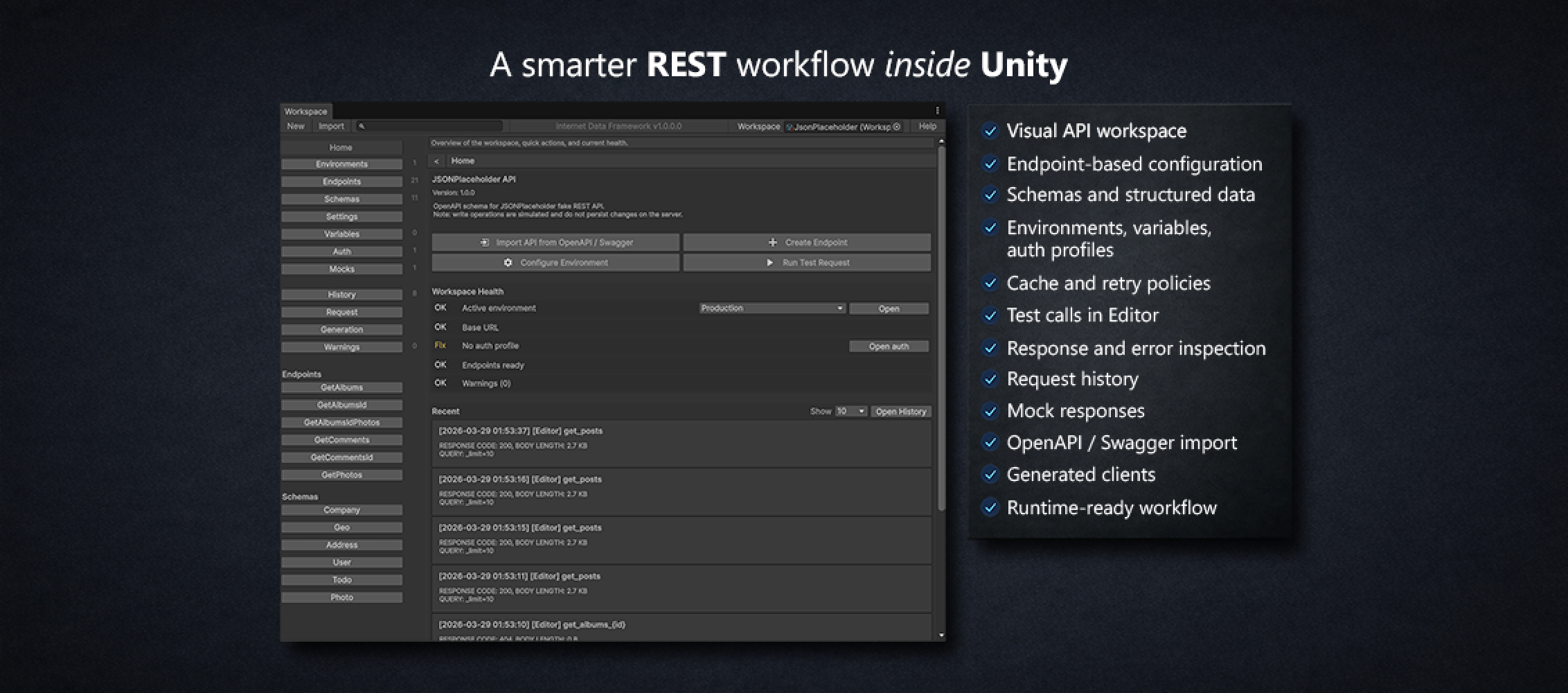

Build, test, and use REST APIs through a visual workspace with environments, auth profiles, request preview, mock responses, OpenAPI / Swagger import, history, caching, and code generation support.
Instead of scattering API paths, headers, auth logic, and test code across many scripts, you configure everything in one visual workspace and then use the same setup in runtime code.
For programmers, you can also optionally generate a facade layer for API usage, so the integration is easier to use correctly and much harder to misuse.
Instead of scattering API paths, headers, auth logic, and test code across many scripts, you configure everything in one visual workspace and then use the same setup in runtime code.
For programmers, you can also optionally generate a facade layer for API usage, so the integration is easier to use correctly and much harder to misuse.
We’re excited to announce the release of our new Unity asset — Internet Data Framework!
This tool is designed to bring a clean, structured API workflow directly into the Unity Editor. Instead of juggling raw requests and scattered scripts, you can now work with a visual API workspace where everything is organized and easy to manage.
With Internet Data Framework, you can define endpoints, configure environments and authorization, preview final requests before sending them, and run test calls прямо в редакторе. It also includes response and error inspection, request history, mock responses, and support for OpenAPI/Swagger import. On top of that, you can generate ready-to-use clients and work with structured data instead of raw JSON.
Our goal was to make working with REST APIs inside Unity more predictable, scalable, and developer-friendly — whether you're quickly testing an idea or building a production-ready system.