



Mesh to Terrain is a tool for easily and quickly converting a 3D terrain model created in 3ds Max, Terragen or any other editor to Unity Terrains.
Mesh to Terrain can convert textures to SplatPrototypes (Terrain Layers), generate terrain from several models and split the model into several terrains.
Mesh to Terrain can convert textures to SplatPrototypes (Terrain Layers), generate terrain from several models and split the model into several terrains.
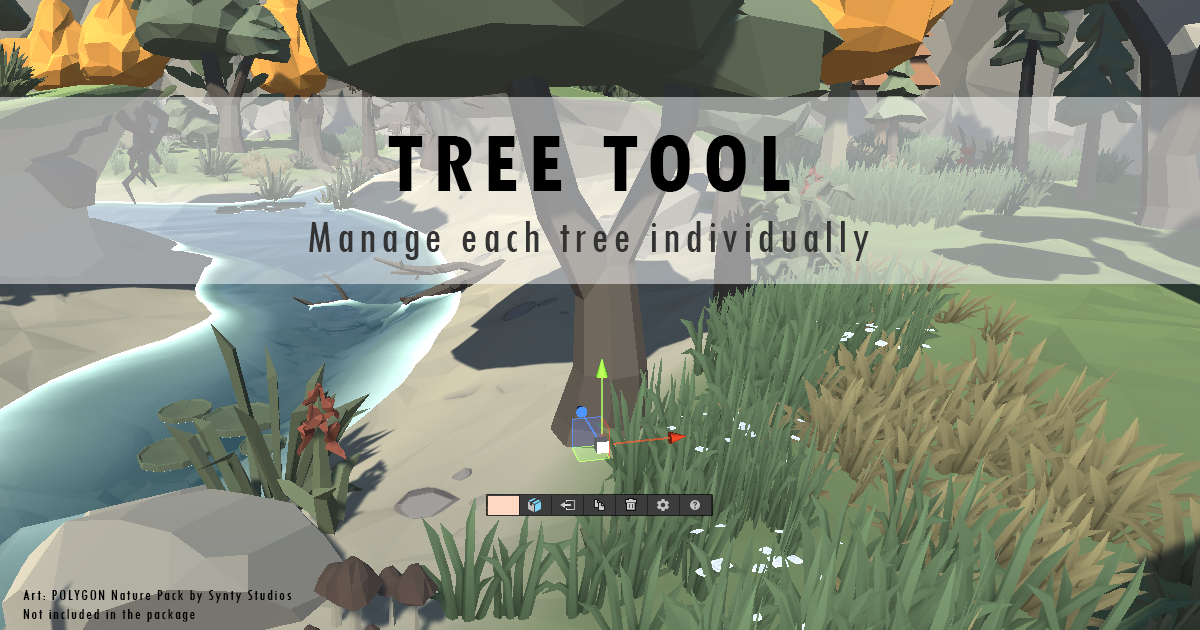
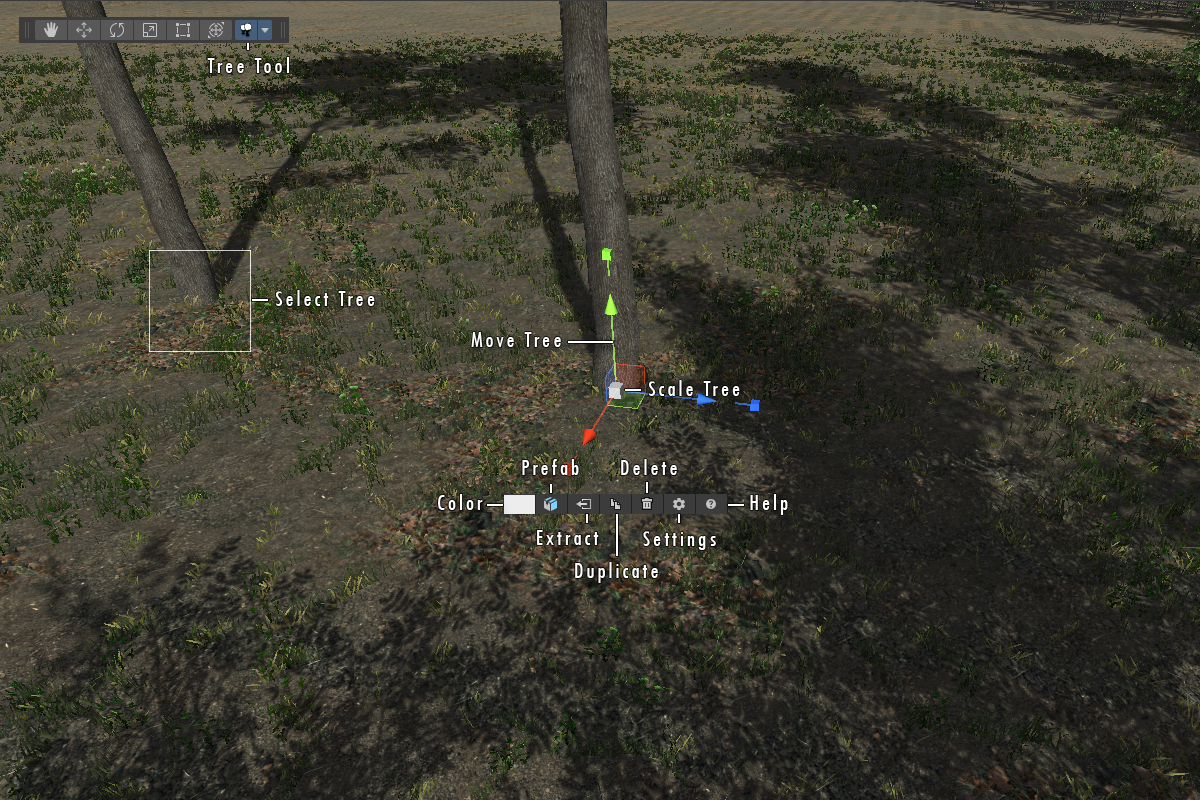
Tree Tool lets you select and edit individual trees placed on Unity Terrain directly in the Scene view.
Move, rotate, and scale trees using the standard Unity handles. You can also change their prefab or color, duplicate them, remove them, or extract them as GameObjects for further editing.
Tree Tool works with trees placed using the built-in Terrain tools as well as trees created by third-party assets.
Features:
Tree Tool is intended for situations where the standard Terrain Inspector is not precise enough - for example, when you need to adjust a few misplaced trees, refine an important area of the scene, or make targeted changes without repainting the terrain.
Need precise control over the trees already placed on your Unity Terrains? Get Tree Tool together with Mesh to Terrain, Tiny Terrain, and Terrain Quality Manager in the Terrain Essentials Bundle and save $28.99 compared to purchasing the assets separately.